
Biscuit Pines guide to Forest Lodge
Serve your first guest, research Room 102 and reach 18 stars to unlock group bookings at Forest Lodge.
Play Biscuit Pines: A Cozy Dog ResortAt Forest Lodge, you get rooms ready for visiting dogs and put the proceeds into the resort. The first tutorial takes you through a guest’s arrival, construction in Room 101, the first service and a task reward.
After the first room, learn to read the task and research panels. They explain why Room 102 stays locked and what you can do while you work toward the stars needed for group bookings.
Open Room 101 and serve the first guest
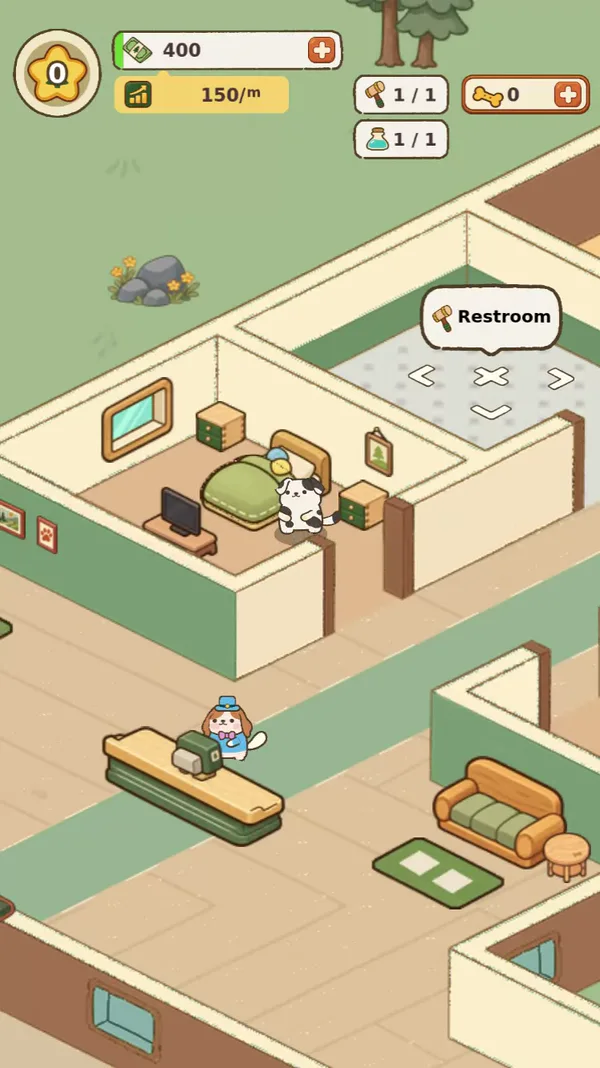
Follow the first arrival from reception to Room 101. Tap the room, open its construction panel, and start the build. In the tutorial you are prompted to finish the build. Watch the room change from an empty space into a furnished room, then let the guest walk upstairs.
When the room-service prompt appears, tap it. Check the room again after service and open the clipboard icon on the right. The list shows what you have completed and what the lodge needs next.
If you tap the room before a prompt becomes available, give the guest time to finish moving. The first visit is easier to follow when you watch the guest and the room instead of opening every menu at once.
Watch a guest check in at the desk
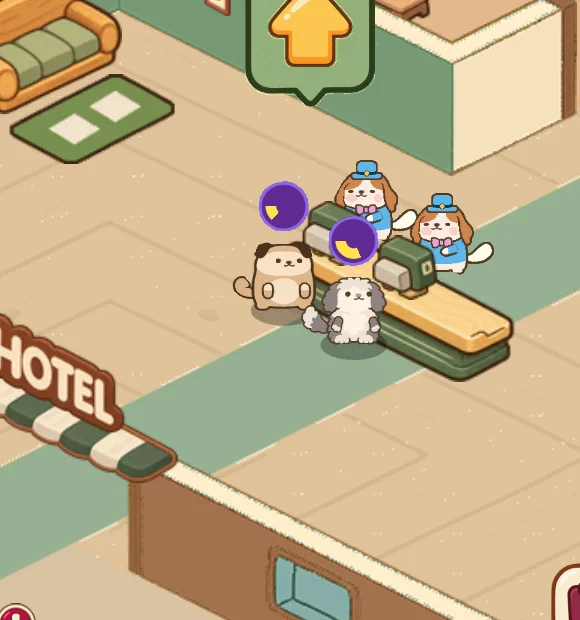
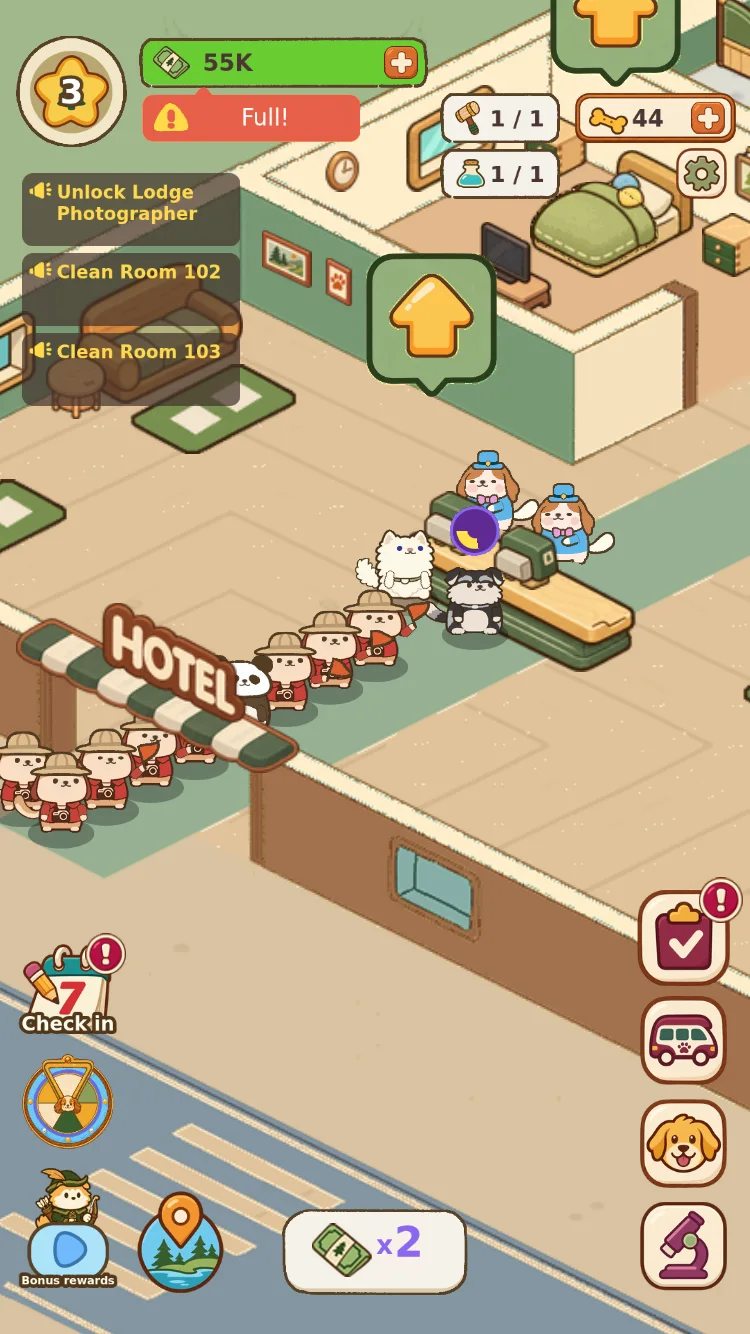
Look for the HOTEL sign at the lodge entrance. The two registers behind it are the front desk. A dog stops in front of a register while the clerk serves them. The purple circle above the dog shows the check-in progressing.
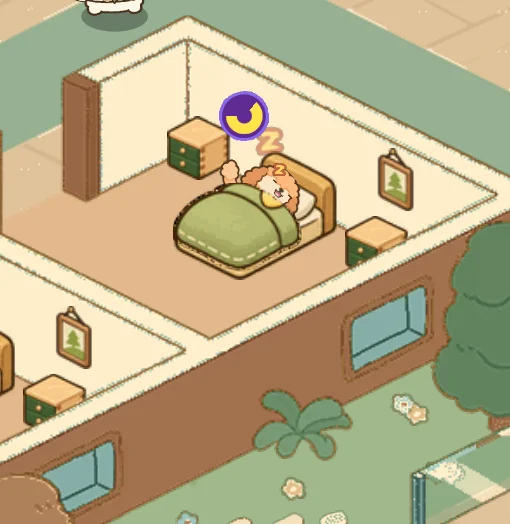
To follow a guest, pick one by their coat or outfit and keep the desk in view until they leave it. Then drag the view in the direction they walk. In the Room 104 recording, an orange guest leaves the counter, crosses the lodge and settles on the new bed.
Use the task list to plan your next job
Open the clipboard and claim a completed task when the button appears. The purple Go buttons on open tasks take you to the appropriate place. The list can ask for different kinds of work, such as raising the lounge seating to level 2 or hosting three guests in Room 101.
Check the reward beside the task and the progress at the top of the panel. The first capture shows one of seven tasks checked off after the claim. You can then choose a task that uses space or furnishing you already have while saving for the next room.
Research before building Room 102
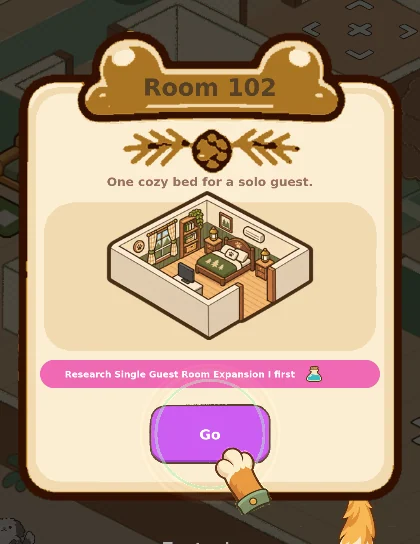
Tap Room 102 when the task points there. The construction panel names Single Guest Room Expansion I. Select Go to open that research. After it finishes, return to Room 102 and check what the build itself requires.
Look for the hammer and flask counters at the top when checking construction and research. Read the action on the current panel before you spend. Completing a research prerequisite opens the construction step, so check the room panel again.
While a prerequisite is running, return to the clipboard. A room you already have might help you complete a guest or furnishing task without waiting for the expansion.
Read the price before building Room 104
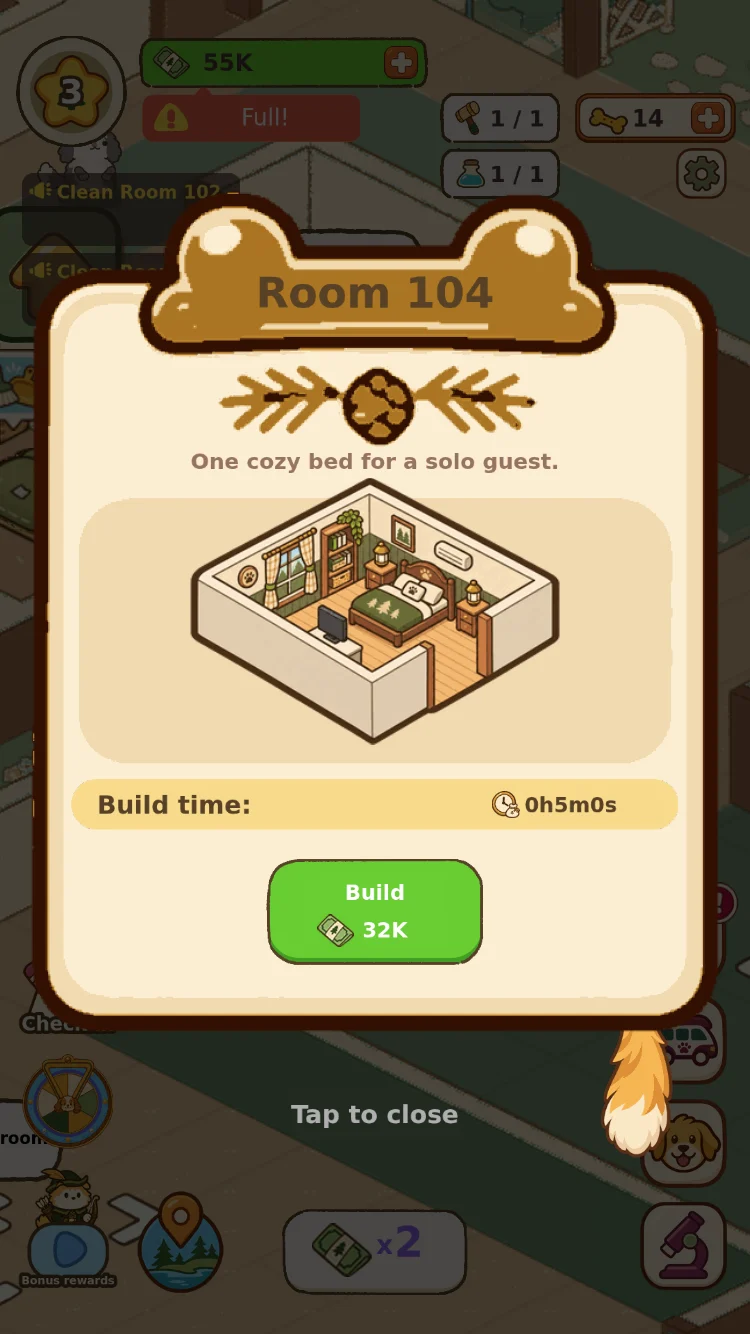
Tap the empty space marked Single room. The Room 104 panel shows a bed for one guest, a five-minute build time and a price of 32K cash. Buying the room starts the timer. In this run, the next panel offered to finish it immediately for five biscuits.
When construction finishes, look back at the same space. The bed and nightstands are now in place. You can follow a guest from reception to see the room being used before spending more on furnishings.
Choose an upgrade for the occupied room
Wait for a guest to settle onto the green bed, then tap the room. The Facility upgrades panel names the room at the top. Look at the name, current level and price on the row you want before you spend.
Once a room is built, tap it to see its Facility upgrades. In Room 104, Add Clock costs 13.1K cash and puts a clock on the wall. The first Feather pillows upgrade costs 3.2K and raises the room-rate bonus from 0% to 5%. You can buy these improvements while the room is still Rank 1.
Build toward 18 stars
Watch the star counter as you complete the lodge’s room and furnishing work. Use the task rewards and the cost shown on the next project to decide what you can afford. If you are close to a level goal, check the counter again after an improvement.
Level 3 arrives at 18 stars and unlocks group bookings. Forest Lodge is the playable resort. You can inspect the wider resort map, where destinations marked Coming Soon are unavailable.
Host a group and claim its reward
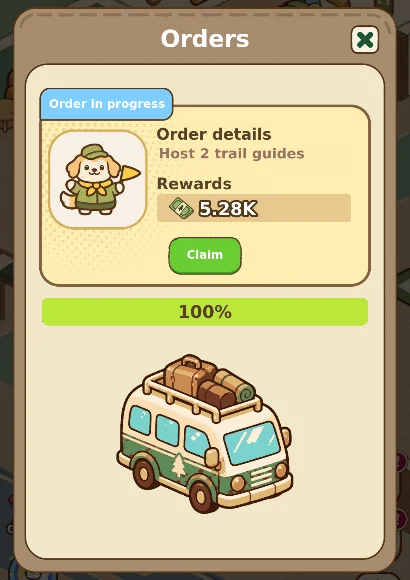
After group bookings unlock, open Orders and read the request before accepting. Check the booking again as the guests complete their visit. When its progress reaches 100 percent and Claim lights up, collect the reward from Orders.
In the illustrated booking, two trail guides completed their visit and the panel displayed a 5.28K reward. That payout belongs to this order. Budget with the amount shown on the booking in front of you.
When a group is waiting to finish, keep an eye on normal room and furnishing tasks. A completed booking still needs its Claim action, so return to Orders before counting that money toward the next build.
Read the reward before the photographers arrive
One Forest Lodge offer asks you to host eight photographers. Check the icon beside the reward before accepting. This visit pays 20 biscuits, while the trail guides in the earlier example paid cash.
After you accept, look for the photographers in red jackets at reception. Let the guests finish their visits, then return to Orders to collect. In the recorded run the claim took the biscuit count from 9 to 29, and the next-order timer appeared.
Keep your lodge progress
Click or tap rooms, task buttons and the relevant menus to manage the lodge. Complete the opening tutorial to start saving. Guest progress stays in the browser you’re playing in. Sign in to sync your saved resort across devices.
Keep one active lodge tab. If you see a save warning, use Retry before closing the session. Free bonuses may have claim limits or cooldowns, so check the offer before planning an upgrade around it.
From reception to Room 104
If the player does not load, watch on YouTube. The written guide and game remain available.
Follow the orange guest from the front desk to the green bed in Room 104. The video shows the 32K room build and the wall clock you can add once the room is furnished.